
THIS POST MAY CONTAIN AFFILIATE LINKS. PLEASE READ MY DISCLOSURE FOR MORE INFO.
A box of tangled cords can feel surprisingly difficult to declutter. One looks useful, another probably belongs to a camera, and the chunky charger might be the only one that fits something still in the house. You do not need to recognize every connector today to make the box easier to use.
The most useful way to declutter cables and chargers is to match them to real devices, check their condition, and keep a sensible number of verified spares. Anything you cannot identify gets a small, dated holding space with a next action. Damaged or unwanted items need an appropriate exit route rather than a return to the drawer.
Allow roughly 30–45 minutes for a modest box, with extra time if you need to find manuals. That is a planning estimate, not a deadline. If your day is full, sort one handful for ten minutes and stop with the remaining items safely contained. This guide includes a free cable inventory and review sheet so the information you uncover does not disappear back into the tangle.
Disclosure: This post may contain affiliate links. As an Amazon Associate, Clean Home Challenge earns from qualifying purchases. If you make a purchase through these links, we may earn a small commission at no extra cost to you. This helps us keep creating practical cleaning tips, routines and resources for busy families! 🧽
Set Up a Safe Cable-Sorting Space
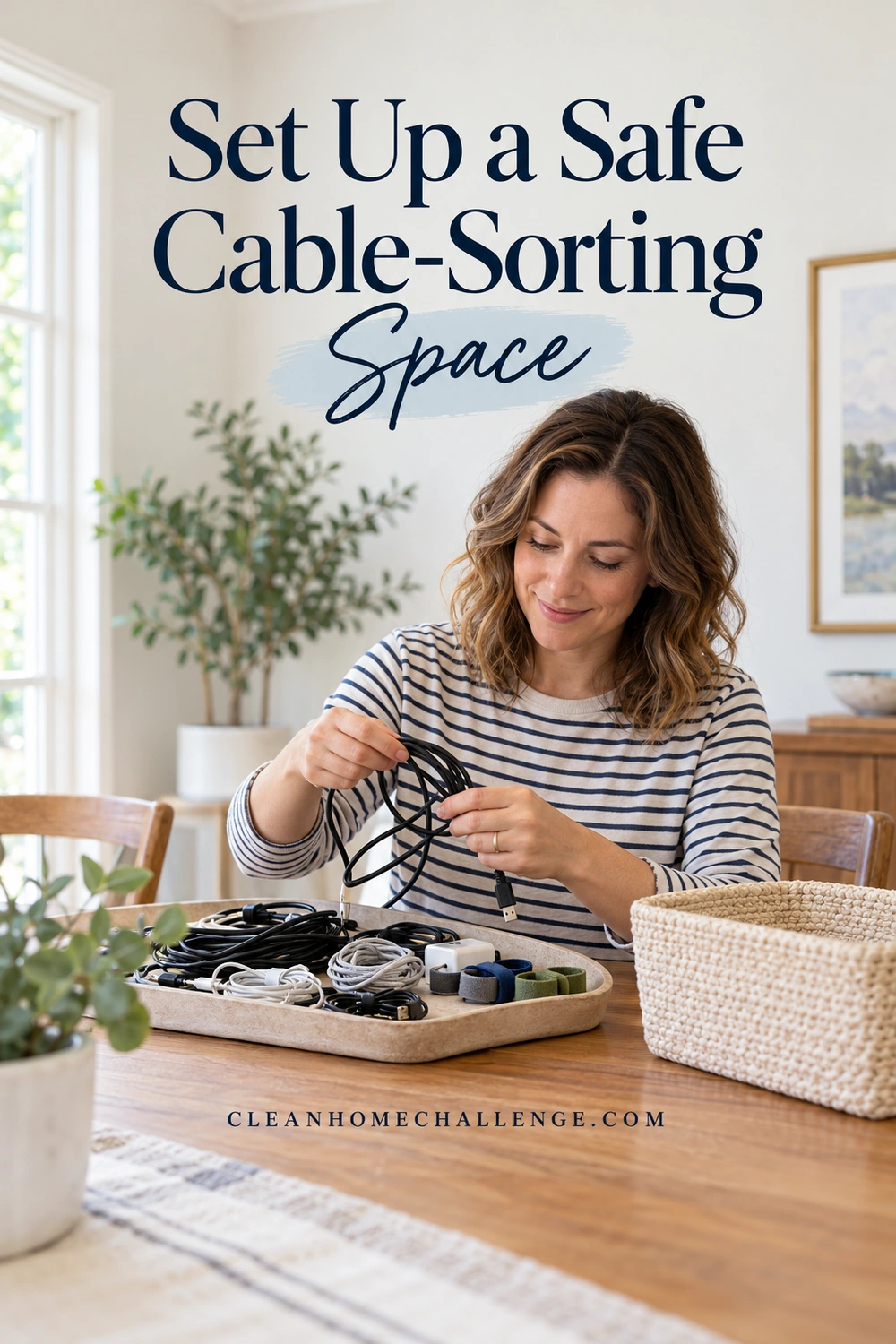
Choose a dry table with enough room for a few small groups. Keep drinks away and avoid spreading long cords across a floor or walkway. Children can help choose pouch colors or read ordinary labels, but an adult should handle electrical-condition checks and compatibility decisions. Keep cords, small adapters, ties, and bags out of reach of young children and pets.
Gather a few simple supplies
Use what you already own: a shallow tray, a few reusable cable ties, removable labels, a pen, and the device manuals or their official online versions. Your phone camera is useful for recording tiny model numbers. Good light and a magnifier may help more than another organizer.
Bring out the loose, disconnected items from this one box. Leave cables that are currently doing a job in place. Photograph a working setup before disconnecting anything you genuinely need to identify, and follow the device instructions. Never unplug essential medical, accessibility, security, or other equipment that someone relies on just to complete an organizing project. Record its location instead.
Make four temporary groups:
- Matched and useful: a known device and an appropriate cable or charger.
- Useful spare: an identified item with a specific backup job.
- Needs identification: apparently intact items requiring a manual or an owner’s answer.
- Out of use: damaged items and unwanted items awaiting a suitable disposal or donation decision.
Keep the last group separate from ready-to-use equipment. Do not let a damaged adapter sit in a donation pile where someone could mistake it for a safe spare.
Look for damage before considering a test
Inspect only the unplugged exterior. Notice split insulation, exposed wires, damaged connector housings, loose or bent plug prongs, scorch marks, or a cracked adapter case. A cable that works intermittently is not automatically a good backup. Do not energize something questionable to see whether it still works, tape over damage as an organizing fix, open an adapter, or straighten damaged mains prongs.
Apple’s guidance on damaged power accessories says to stop using damaged parts and seek service if their condition is uncertain. Apply your own equipment manufacturer’s instructions; this visual sort is not an electrical safety certification. If a plug part is stuck in an outlet, leave it alone and obtain qualified help rather than trying to remove it during the tidy-up.
If you only have ten minutes, finish this setup and identify one obvious intact cable. A contained box and a clear next step are useful progress. You can match the rest in another short session.
Match Each Cable and Charger to Its Device
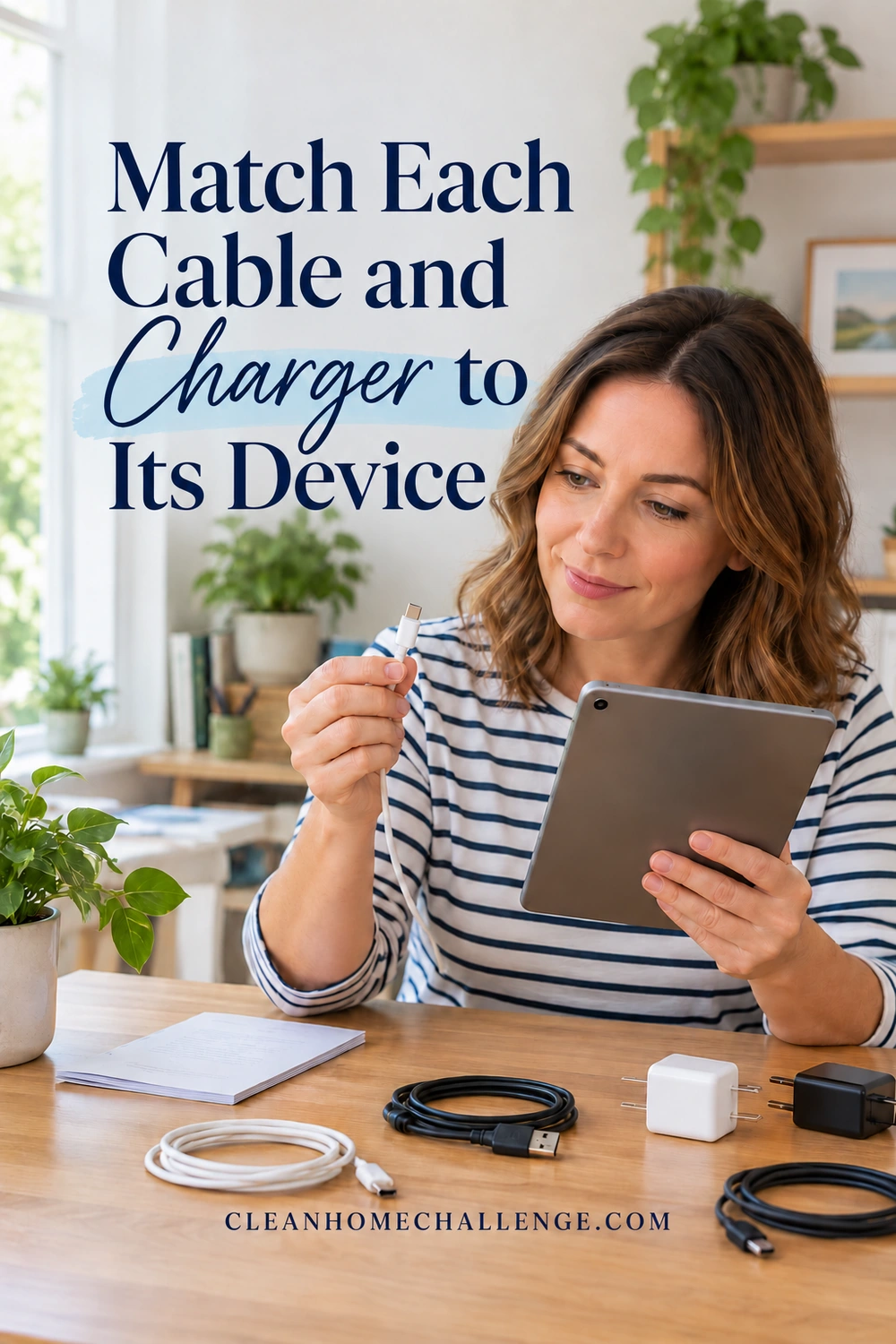
Start with the equipment your household actually owns. List the phones, tablets, laptops, cameras, game controllers, headphones, printers, and other devices that might explain the box. Ask their owners before deciding an unfamiliar item is obsolete. A rarely used camera can still need its specific lead.
Separate a cable, which carries a connection between components, from a power adapter or charger, which supplies power according to its specifications. An adapter’s wall plug, output connector, and printed electrical information all matter. Similar-looking black bricks are not interchangeable simply because one tip fits.
Identify both ends, then verify the purpose
Look at both connectors and any legible manufacturer, model, or capability markings. Place a temporary number on the cable and use the same number on the inventory. Write a plain description such as “rectangular USB end to small oval end” if you are unsure of the correct connector name. An honest description is better than an invented technical label.
Common families include USB-A, USB-C, Micro-USB, older Mini-USB, Lightning, HDMI, Ethernet, and device-specific power connectors. This is a starting vocabulary, not a compatibility chart. Use the manufacturer’s pictures and part numbers for the actual device. Never force a connector or try a collection of mystery power adapters one after another.
For a power adapter, compare the exact supported model or replacement-part information in the device manual. Requirements can include output voltage, AC or DC, polarity, connector dimensions, supported charging protocol, and adequate power or current capacity. You do not need to become an electrician to sort the box: if you cannot verify the match, leave it untested in the identification group and contact the manufacturer or an appropriate service professional.
Treat USB-C shape and cable capability as separate facts
Two cables with the same oval connector can support different charging, data, or display functions. The USB Implementers Forum’s guidance distinguishes connector design from power and performance capabilities. Check the cable documentation and your device’s requirements rather than assuming every USB-C lead can run a laptop or connect a monitor.
For example, a known phone charging lead may be useful for that phone without qualifying as your laptop’s backup. Label the job you have verified. Do not write “fast charge,” a wattage, or “video” because the cable looks substantial. An unmarked cable can remain unidentified until you find reliable product information.
| What you find | Useful next step | What it does not prove |
|---|---|---|
| Cable packaged with a known device | Check its condition and the device instructions | Compatibility with every similar device |
| Adapter with a readable model number | Look up the official supported models | That a matching plug tip alone is enough |
| Two USB-C connectors | Check documented power and data/display support | A universal charging or monitor capability |
| Intact but unidentified lead | Number it, photograph it, and assign a review action | That it is safe to test on a valuable device |
Once you have verified an intact combination, follow the device instructions for any ordinary functional check. Keep everything dry and use a suitable ventilated location. Do not charge inside a closed storage pouch or drawer. A charging indicator confirms only what happened in that check; it does not establish every possible cable feature.
Record the device, cable number, evidence used, and storage location on the free inventory. You can also note a limitation such as “camera transfer only” or “verified for bedroom headphones.” That small detail prevents the same mystery next month.
Choose Useful Spares and Label What Stays
Now decide how many identified items your household needs. Keep the working setup for each device, plus spares with a real role. One shared backup for several compatible devices may make sense; multiple identical spares with no intended use may simply hide the good ones.
Give each spare a reason
Ask where it would be used and what it would replace. “Travel pouch,” “desk backup for this laptop,” or “second controller station” is a clearer reason than “might be handy.” Check that you are not counting one cable as the permanent solution for two places that need it at the same time.
There is no universal rule that a family must keep only one spare. Work, disability, travel, device age, and access to replacements all affect the decision. Keep a special-purpose lead with the device it serves, even if it is rarely used. Ask before discarding someone else’s equipment, and avoid turning another person’s active setup into your new spare collection.
Label the job and leave important information visible
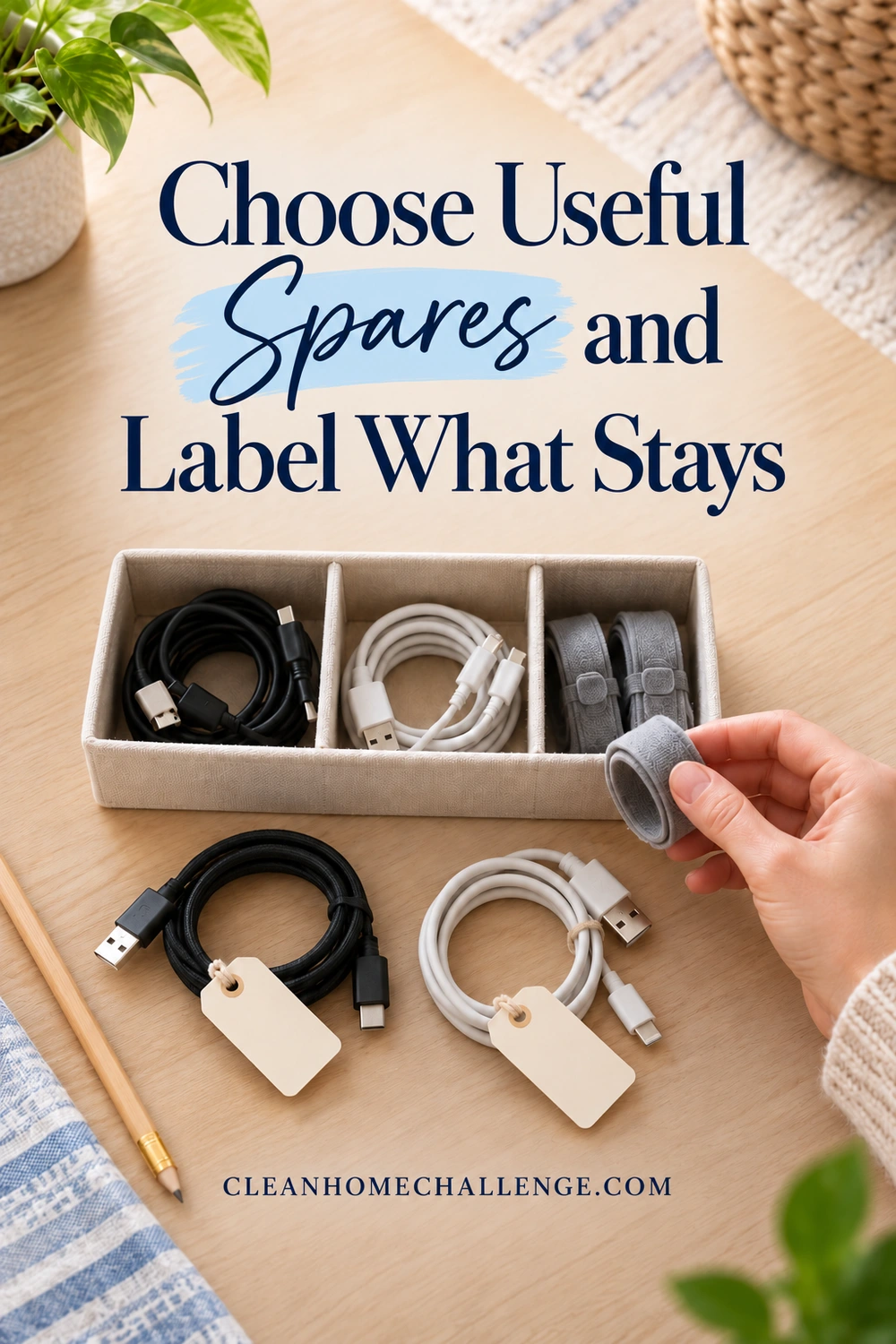
Use a removable flag or tag on the cable jacket where it will not obstruct the connector, strain relief, ventilation, or safety and rating information. Write the device or location in words your household understands. If color helps, use it alongside text so the system does not depend on color recognition alone.
Try labels such as “family camera – transfer,” “living room controller,” or “office laptop – verified adapter.” Use your own device names, of course. Record an item number in the inventory when a small tag cannot hold the whole explanation. Keep model numbers in the record so the label remains useful after a phone or laptop changes.
Coil cords loosely along their natural curve, following their instructions. Secure them with a reusable tie without crushing the jacket or bending sharply at the ends. Avoid winding tightly around the power brick. When disconnecting an accessory, hold the connector rather than pulling on the cord; this reduces strain at the joint.
Store for easy retrieval
Give everyday spare leads one accessible, dry home. A divided drawer, a few open-top pouches, or an existing small box can work. Store specialist items with their device or in a clearly named kit. Keep heavy adapters from pressing against delicate connectors, and do not pack the container so tightly that you have to pull on cords to remove them.
Measure and sort before buying storage. A practical organizer should make a known cable easy to retrieve; it cannot decide whether an unknown adapter belongs to your device. If you would like storage ideas, the approved collection below is an optional starting point after the decisions are made.

Give Unknown Cables a Deadline and Recycle Responsibly

A small identification group is reasonable. An unlimited mystery box simply preserves the original problem. Put only apparently intact unknown items in a separate container, number them, and write what you will do next: ask an owner, check an old device, search an official model number, or request manufacturer advice.
Choose a review date you can act on
Pick a date that fits your household, perhaps two to four weeks away. That is an organizing choice, not a rule that makes equipment disposable. Leave a note where the relevant person will see it. A useful message is “Does cable 04 belong to your camera? Please check the model before our review date.”
At review time, make a decision based on what you learned. Keep an identified needed item, extend the review only for a specific reason and action, or arrange an appropriate exit. Do not test an unknown charger just because its deadline has arrived. Do not remove a necessary accessibility or medical accessory because it is seldom used or difficult for someone else to identify.
Download the free Cable Inventory and Mystery-Item Review Sheet (PDF). It has space for device matches, the evidence you checked, storage locations, and a dated next action for unknown pieces. Use one sheet for a small box, or print another if your collection is larger. The worksheet is free to use without joining anything.
Arrange the exit before refilling the box
Offer only identified, usable items that the recipient or donation program actually wants. Give the compatible device details and any known limitations. Do not donate damaged power accessories or assume every charity accepts loose chargers. Check current acceptance rules before making a trip.
For recycling, ask your local authority, electronics recycler, retailer, or manufacturer whether they accept loose cords and power adapters. Programs differ by location and item. The US EPA’s electronics donation and recycling page provides a starting point for US readers. Readers elsewhere should use their local program’s instructions. Do not assume electrical items belong in curbside recycling.
Keep battery-containing items, including power banks, separate from ordinary loose cords while you obtain the correct instructions. Lithium-ion batteries and devices containing them should not go in household trash or household recycling bins. Do not dismantle an item with an embedded battery to complete this sorting task; ask the receiving program how to handle it.
Finish by returning the matched items to their labeled homes and booking or noting the recycling action. Leave the inventory with the collection or somewhere the household can find it. When a device leaves the house later, review its accessories at the same time. When a replacement cable arrives, label it before it joins the drawer.
If the box is still half full, stop at a safe boundary: matched leads stored, unknowns contained, damaged items out of use, and the next step written down. The aim is to find what you need without another search through the same tangle. For help making small decluttering sessions part of a manageable home routine, you can explore Cleaners Clubhouse when it suits you.

CLEANERS CLUBHOUSE
Ready to Clear the Clutter One Step at a Time?
Join the 30-Day Declutter Challenge and work through your home in small, achievable steps. The Cleaners Clubhouse includes the plan, printable support and encouragement to help you keep going.