THIS POST MAY CONTAIN AFFILIATE LINKS. PLEASE READ MY DISCLOSURE FOR MORE INFO.
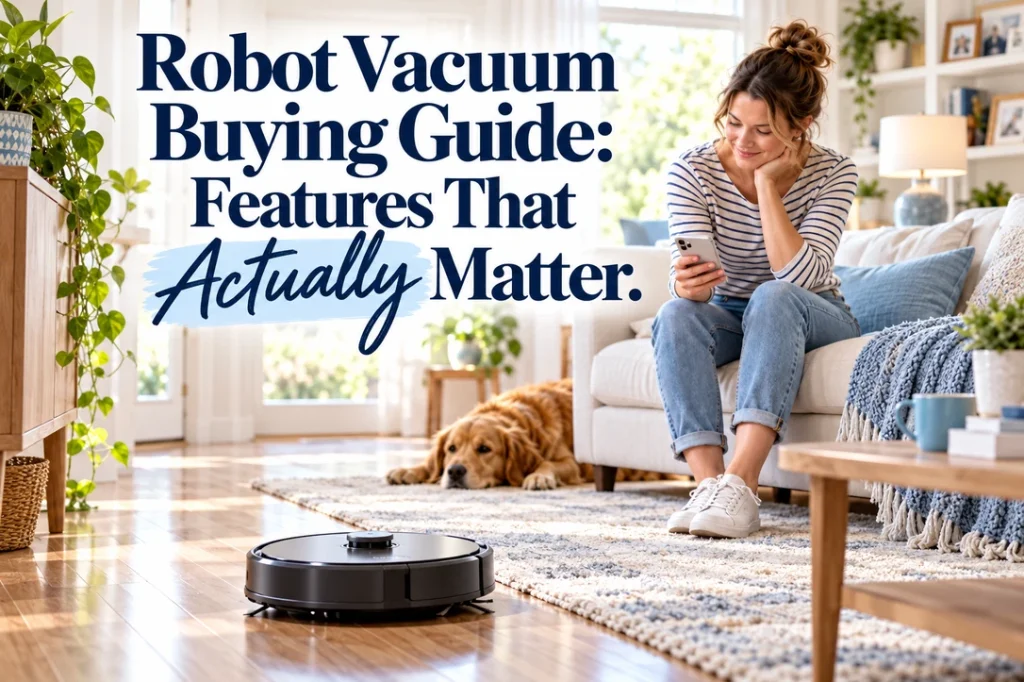
A robot vacuum can keep crumbs, dust and pet hair from building up between regular cleans, but the most expensive model is not automatically the best fit for your home. The useful features are the ones that help the robot finish a reliable run on your actual floors with the least rescue, prep and maintenance.
Before comparing suction numbers or glossy dock photos, measure your rooms, note every flooring transition and decide what you want the machine to do. A vacuum-only robot, a vacuum-and-mop model and a large all-in-one dock solve different problems. None will clean stairs, upholstery, deep corners or every stuck-on spill, so keep a conventional vacuum and mop for detail work.
This robot vacuum buying guide focuses on practical buying questions rather than a list of short-lived model rankings. Use it to make a home brief, compare like with like and test the winner while the retailer’s return window is still open.
Disclosure: This post may contain affiliate links. As an Amazon Associate, Clean Home Challenge earns from qualifying purchases. If you make a purchase through these links, we may earn a small commission at no extra cost to you. This helps us keep creating practical cleaning tips, routines and resources for busy families! 🧽
Start With Your Floors and Floor Plan
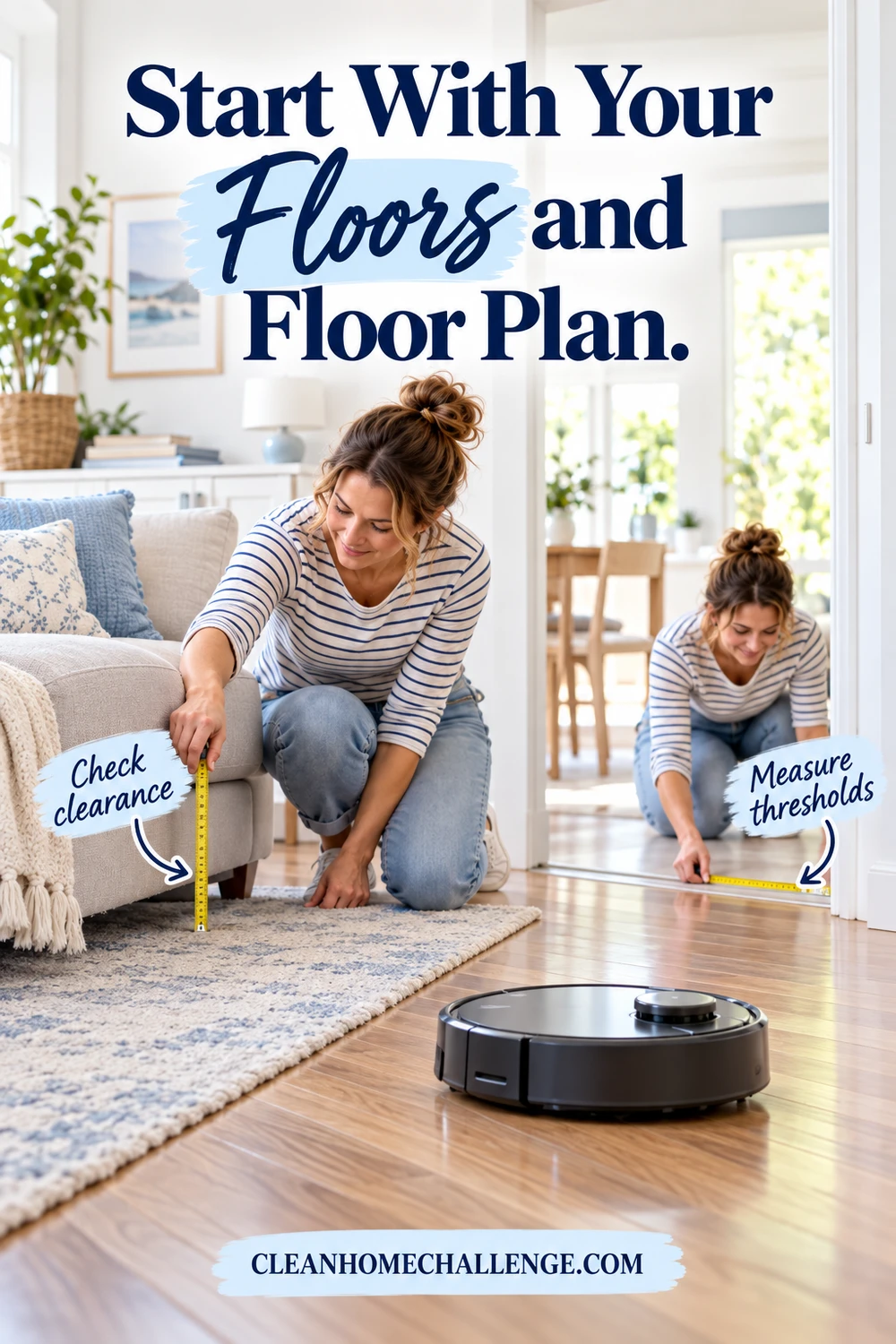
The right robot begins with the home, not the specification sheet. List hard floors, low-pile rugs, plush carpet, dark mats, thresholds, cords, floor vents and any rooms on another level. Measure the lowest furniture clearance, the tallest threshold the robot must cross and the place where a charging dock could sit with the manufacturer’s required space around it.
Robots work most smoothly on one reasonably open level. They cannot climb stairs and should never be expected to detect every drop, so keep stair sensors clean and use physical barriers where the manual recommends them. For a multilevel home, check whether the app stores more than one map and whether the robot can clean away from its dock. You will still carry it and empty or refill it as needed.
Flooring matters. A combo model needs a credible plan for rugs: it may lift the mop, avoid carpet, ask you to remove the pad or require separate vacuum and mop runs. Confirm the lift height and carpet behavior in the manual, not only a marketing graphic. For delicate timber, laminate or stone, follow the flooring manufacturer’s care advice and use only robot-compatible liquid specifically allowed by the robot maker.
Also measure the robot itself. A low body can reach under more furniture, but a top-mounted navigation turret may add height. A D-shaped front or extending side brush may improve edge reach, yet you should still expect occasional manual corner cleaning.
Choose Navigation That Matches Your Home
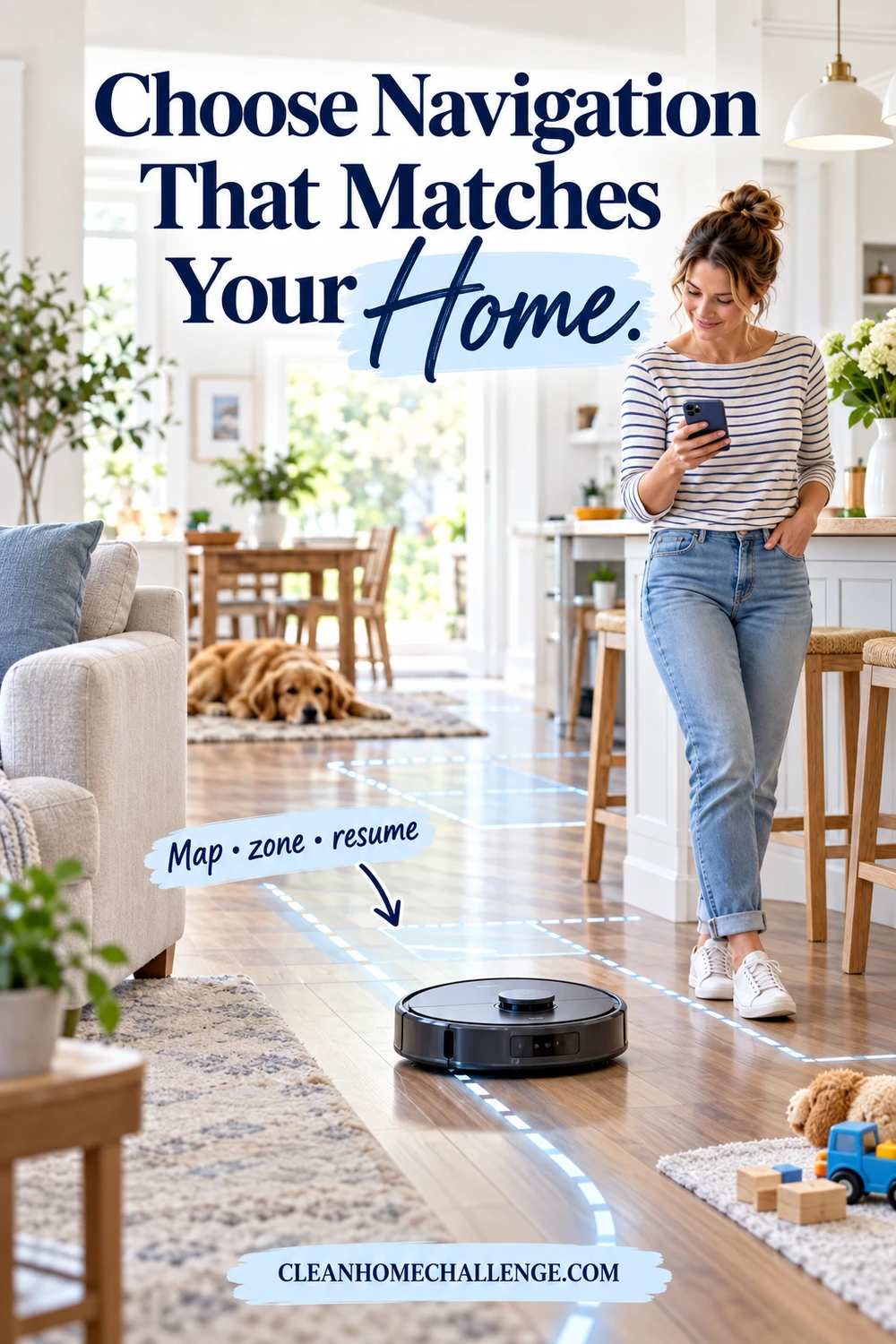
Navigation affects whether a robot cleans methodically, remembers rooms and returns to the dock. Entry-level machines may follow reactive paths, while mapping models use combinations of wheel tracking, cameras, structured light or laser-based sensors. Do not treat one sensor name as proof of good navigation. Look for the outcomes your household needs.
Useful app controls include named rooms, room-by-room cleaning, no-go zones, no-mop zones, adjustable passes and a map that can be corrected without rebuilding the whole home. Check how the robot behaves in low light if you plan to run it at night. Camera-based systems may add useful object recognition, while a laser-based system may map without relying on visible light; implementation still varies by model.
Recharge-and-resume is more useful than a heroic runtime claim in a large home. It lets the robot return for power and continue the unfinished area. Compare the expected cleaning area in the mode you will actually use, because high suction, repeated passes and mopping can shorten a run.
The best sign is a complete, repeatable route. A robot that covers every accessible room on ordinary power is more valuable than one with a dramatic maximum-suction number that gets lost or needs rescuing.
Prioritize Pickup, Brushes and Hair Handling
Manufacturers often advertise suction in pascals, but those numbers are difficult to compare across brands and do not describe the whole cleaning system. Pickup also depends on airflow, the main brush, floor contact, seals, side-brush control, software and how quickly the bin or filter loads with debris.
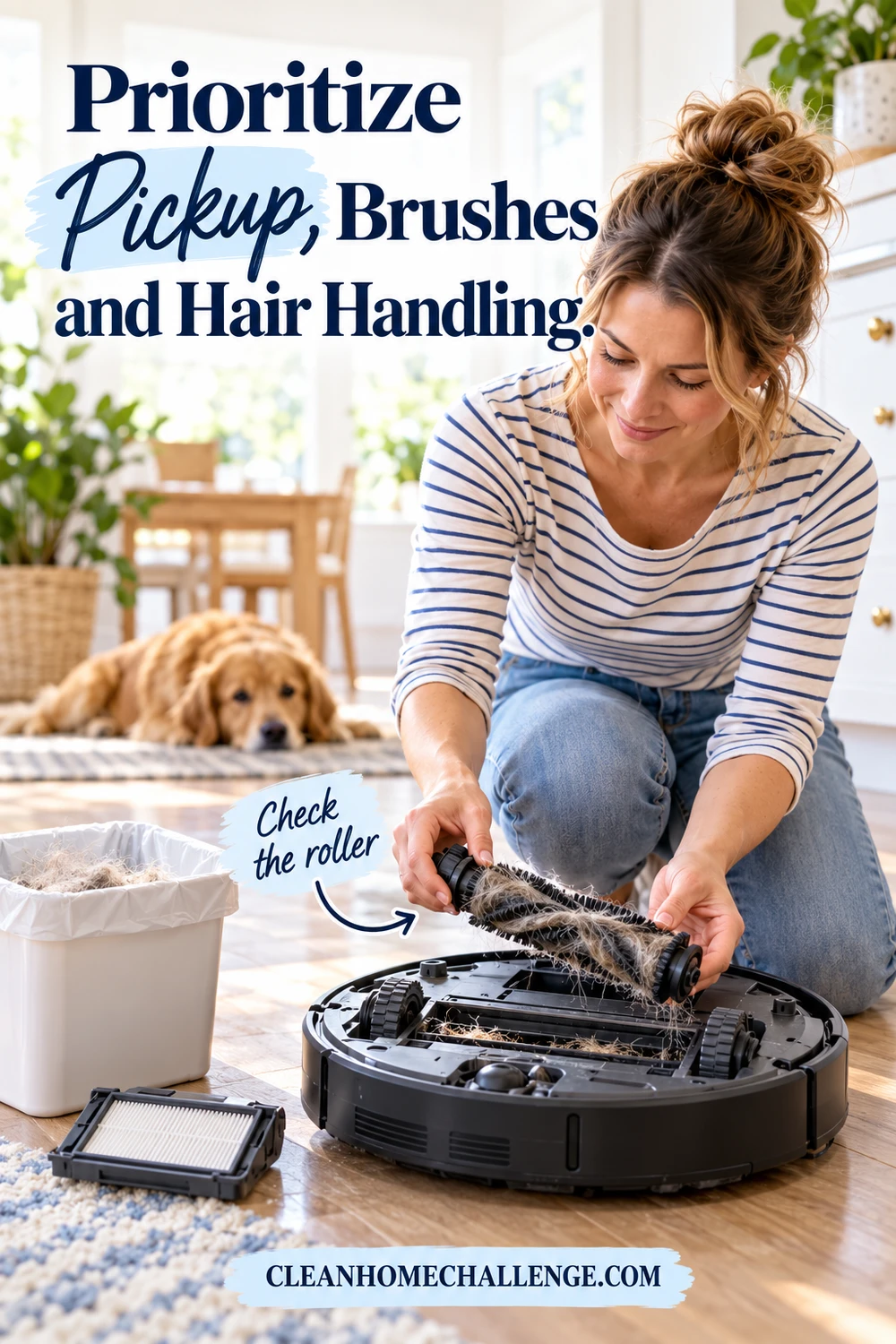
For carpet, look for an active brush roll and automatic power adjustment. For hard floors, check that the side brush moves crumbs toward the intake instead of scattering them. Pet households should prioritize an easy-to-remove roller, accessible end caps and a clear method for cutting wrapped hair. A rubber roller may reduce some tangles, but no design is maintenance-free.
Check the dustbin size and filter access. A tiny onboard bin can interrupt a run in a busy family home unless the dock empties it. If anyone is sensitive to airborne dust, an enclosed bagged dock can make disposal tidier, although filters, seals and correct bag installation still matter. Avoid unsupported medical or allergy promises; a robot is a floor-maintenance tool, not a treatment.
Look beyond the first month. Confirm replacement filters, brushes and bags are sold by the manufacturer or an established retailer, and compare their recurring cost. Easy access to consumables is a feature that matters every week.
Treat Obstacle Avoidance as Help, Not a Guarantee
Object recognition can reduce tangles and rescues, especially around shoes, power cords and pet bowls. Some robots use cameras; others add structured light or other proximity sensors. Product pages may show a long list of recognized objects, but real homes change constantly and small, shiny, dark or unfamiliar items can still be missed.
Plan a two-minute floor check before every run. Pick up cords, toys, socks, ribbons and lightweight curtains. Move fragile objects and close doors to unsafe rooms. If a pet has accidents indoors, inspect the floor first even when a model claims pet-waste avoidance. One missed mess can spread through the cleaning path.
No-go zones are useful for a cable nest or delicate rug, but they should support—not replace—basic preparation. Check whether the zone stays attached to the saved map after app updates or remapping. For a baby’s room, pet feeding area or home office, room-specific schedules may be more practical than asking the robot to handle clutter at its busiest time.
Watch the first several runs. Note where the robot wedges itself, drags a mat, bumps a light object or loses its route. Small changes such as securing a rug edge, raising a cable or moving a chair can make an average robot far more reliable.

Decide Whether Robot Mopping Is Worth the Upkeep
Robot mopping ranges from a damp pad dragged behind the vacuum to vibrating, spinning or roller systems with separate dirty-water handling. More movement may help with fresh marks, but no feature guarantees removal of dried spills, greasy film or textured-floor soil. Think of most robot mops as frequent light maintenance rather than a complete replacement for hands-on mopping.
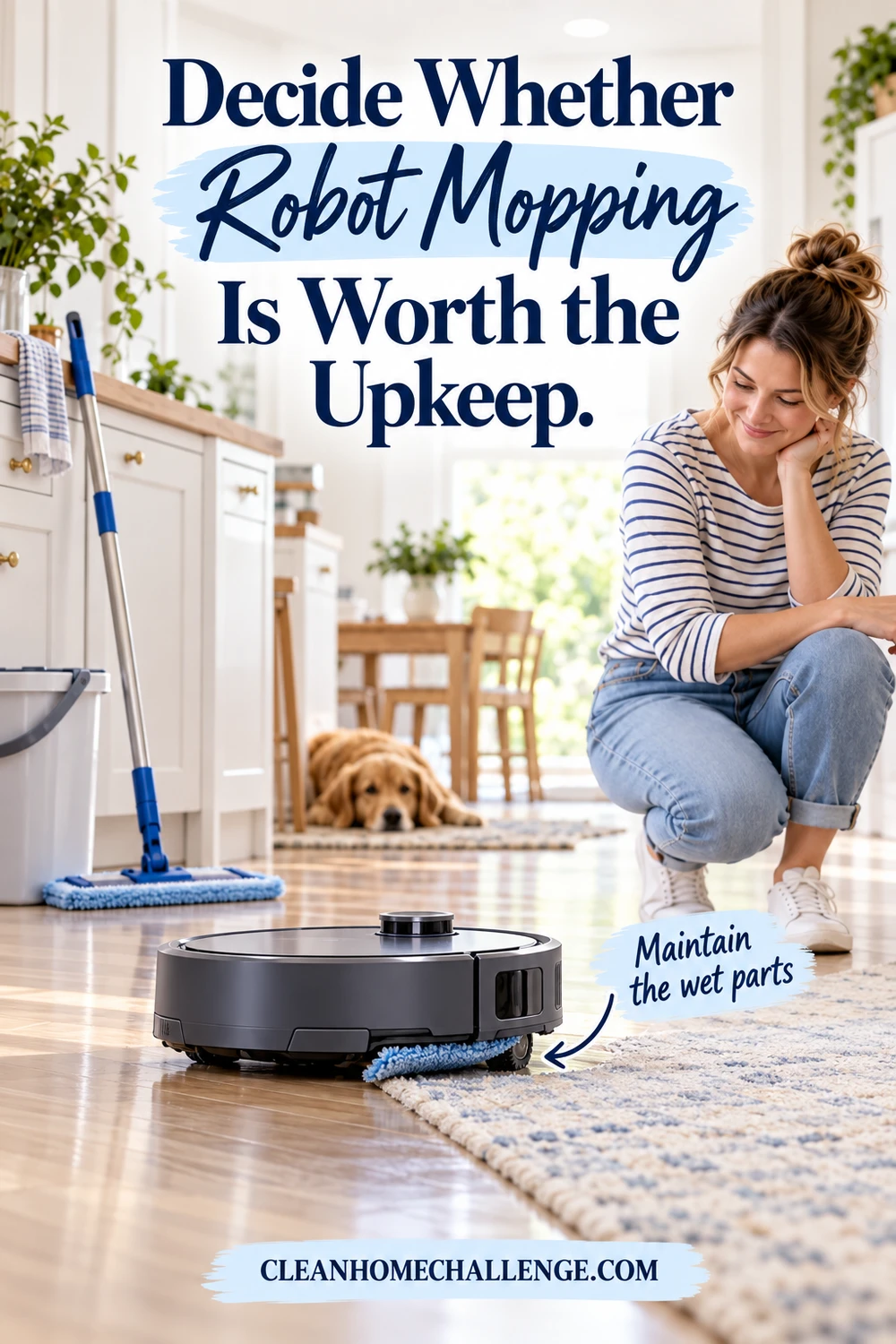
Ask how the machine protects carpet. Does it lift the pad high enough for your rugs, avoid carpet while mopping or leave the mop at the dock for vacuum-only runs? Check whether the app supports no-mop zones and whether those zones work if the map is lost.
The water system adds work. Pads need laundering or replacement, tanks need emptying and drying, and wash trays can collect hair and residue. An automated dock may wash and dry pads, but you still maintain the tray, tanks, filters and dock channels. Use only the liquids named in the manual; unapproved detergent can foam, clog the system, damage flooring or affect the warranty.
Choose vacuum-only if your priority is carpet and crumbs, if you already enjoy a simple manual mop, or if maintaining water tanks would stop you using the machine. Choose a combo when frequent light hard-floor wiping genuinely removes a task from your week.
Understand What the Dock Automates—and What It Adds
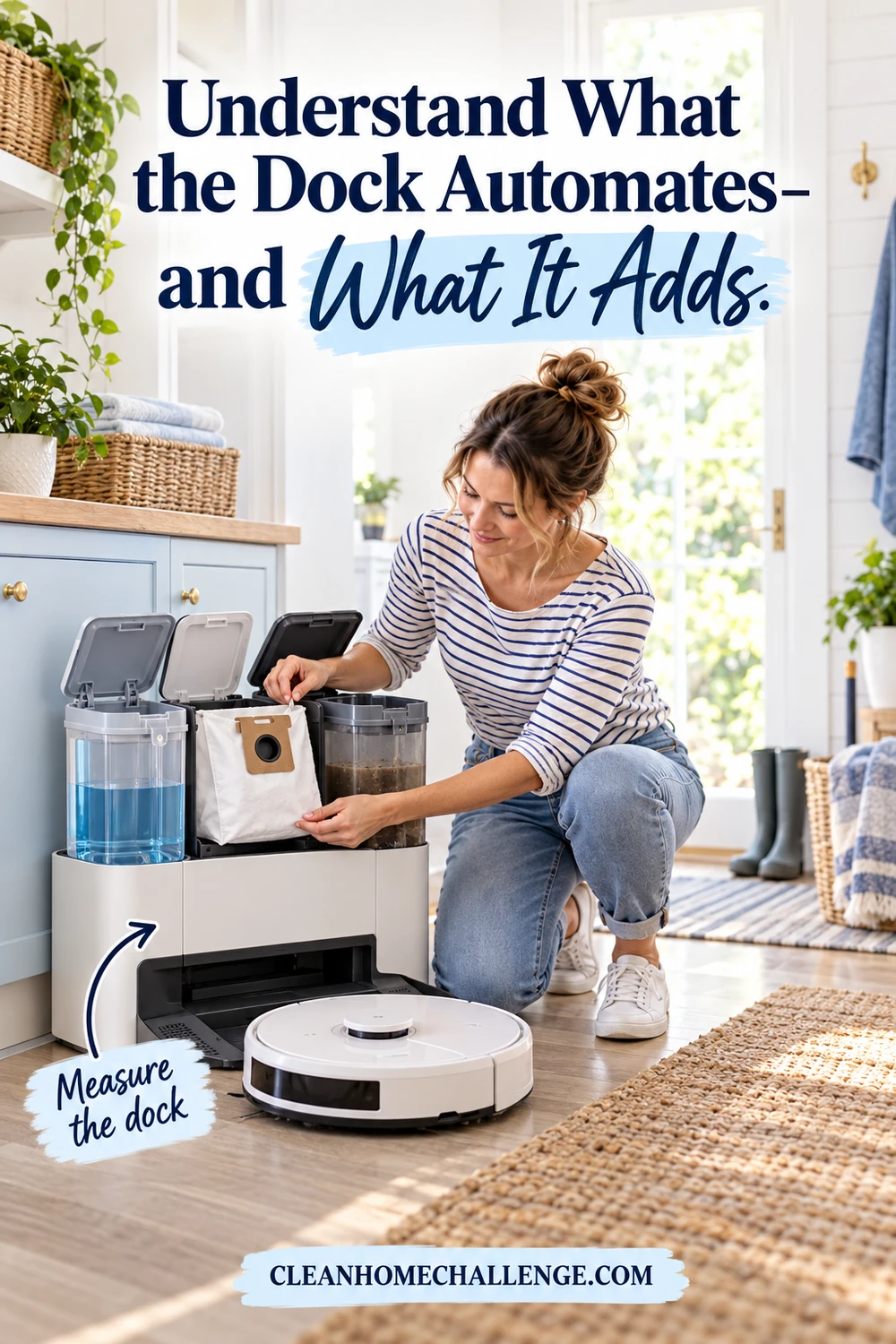
A basic dock charges the robot. A self-empty dock transfers debris into a larger bin or bag. More elaborate stations may also refill clean water, collect dirty water, wash pads and dry them with warm or room-temperature air. Each step reduces one kind of hands-on work while adding size, noise, consumables and parts to maintain.
Self-emptying can be worthwhile for pet hair, larger homes and frequent schedules. iRobot’s current Clean Base description, for example, shows the basic trade-off: enclosed bags hold multiple robot-bin loads, but the bags are a continuing purchase and a full bag can prevent proper emptying. Treat capacity claims as best-case estimates because pet hair and bulky debris fill space differently from fine dust.
Measure the complete dock, including room to open lids and remove tanks. Decide whether a loud emptying cycle is acceptable near bedrooms or a home office. If you choose a bagless station, check how dusty the emptying process is and how its filters are cleaned.
An all-in-one dock is valuable only when you will service it. If dirty water sits for days or the wash tray is hard to reach, automation can create a new unpleasant job. Prefer removable, washable components and clear maintenance instructions.
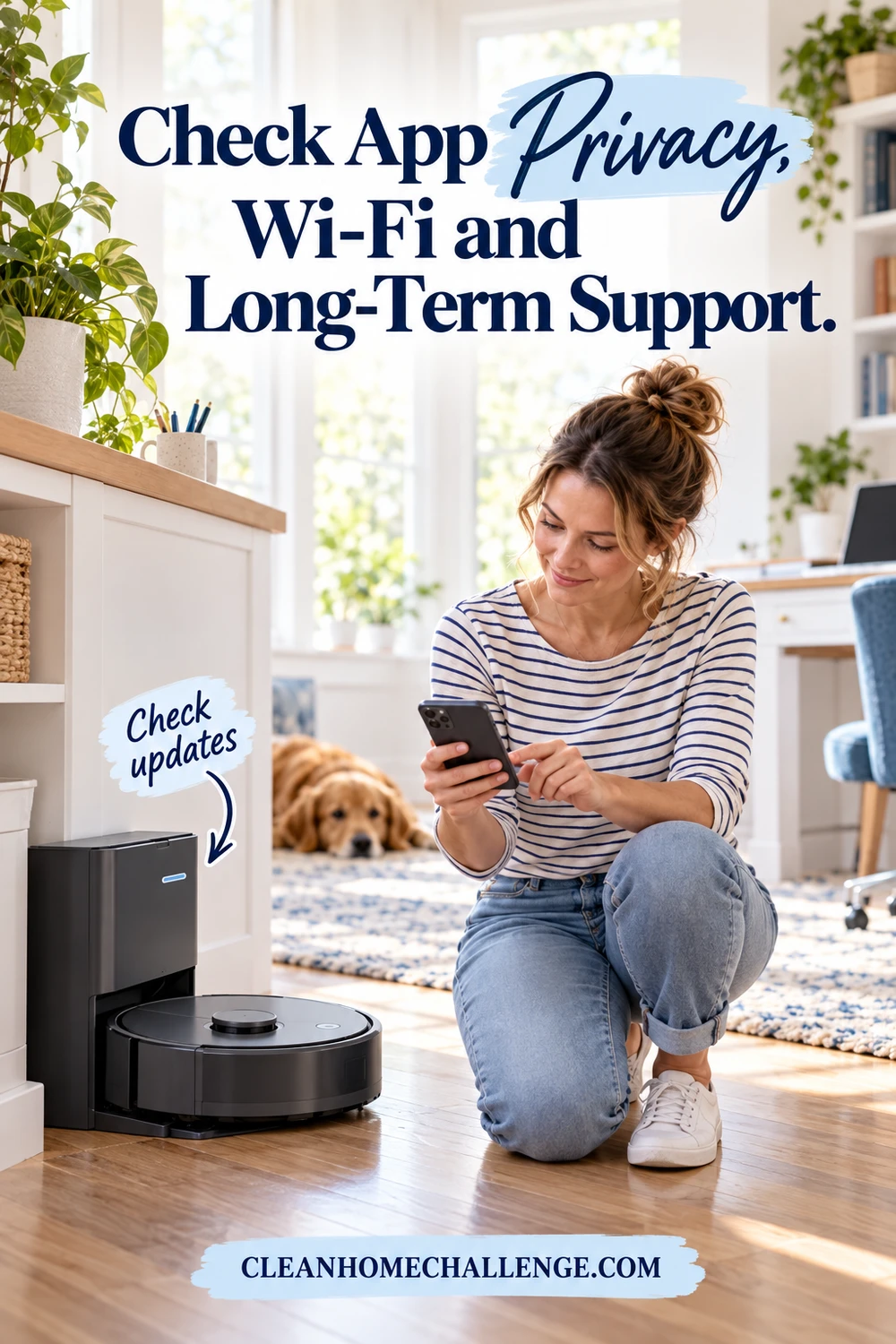
Check App Privacy, Wi-Fi and Long-Term Support
A connected robot can store maps, schedules, account details and, on some models, images used for obstacle recognition. Read the privacy policy before purchase. Check whether images leave the device, whether they can be reviewed or deleted, whether mapping data can be erased and whether core cleaning still works without a cloud connection.
The U.S. Federal Trade Commission advises changing default credentials, using a unique password, enabling two-factor authentication when offered and keeping internet-connected devices updated. NIST’s consumer Internet of Things guidance also emphasizes manufacturer support across the product life cycle. For a robot vacuum, that makes a stated security-update period and a clear vulnerability-reporting process more meaningful than a long list of voice-assistant integrations.
Confirm the Wi-Fi requirement. Many smart appliances use 2.4 GHz networks, and setup may fail on an incompatible or isolated network. Check whether every household member can have a separate account, whether guest access is available and what happens if the brand’s cloud service is unavailable.
After setup, install updates, review app permissions and disable integrations you do not use. A robot should reduce work without creating an unnecessary window into your home.
Budget for Maintenance, Parts and a Real-Home Trial
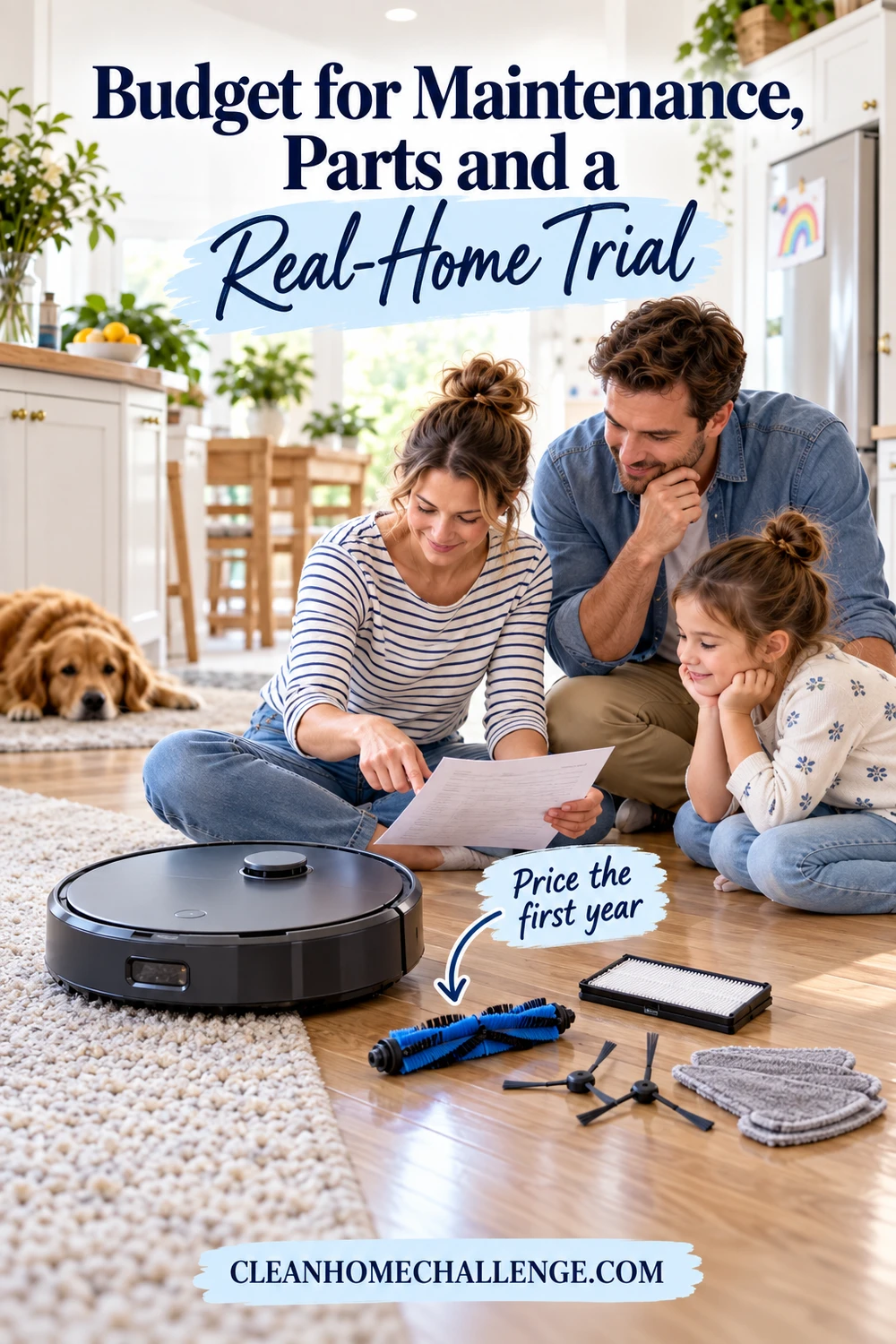
Compare total ownership rather than the sale price. Add likely bags, filters, rollers, side brushes, mop pads and approved cleaning solution for a year. Check the battery warranty, the price and availability of a replacement battery, and whether the manufacturer publishes maintenance instructions and sells parts for older models.
Look for independent electrical-safety certification appropriate to your market and check the U.S. Consumer Product Safety Commission recall database before buying, particularly for an unfamiliar brand or a used machine. Use the supplied dock and charger, keep charging contacts clean and stop using a battery or dock that is swollen, damaged, unusually hot or producing an unusual odor. Follow the manufacturer for service and disposal.
Then use the return period as a real-home trial. Run the robot in daylight and low light, on every accessible floor type and around the furniture you normally leave in place. Test room selection, no-go zones, docking, bin emptying, carpet behavior, app sharing and the longest scheduled clean. Listen for brush contact and inspect rugs and delicate flooring after the first pass.
A sensible buying order is navigation and home fit first, reliable pickup second, manageable maintenance third, and optional mopping or a premium dock after that. The right robot is the one your household can prepare, run and maintain consistently—not the one with the longest feature list.
CLEANERS CLUBHOUSE
Use the Right Tools With a Routine That Works
Good cleaning tools work best when you know where and when to use them. Inside the Cleaners Clubhouse, recommended products sit alongside practical routines, printable worksheets and monthly challenges.
Trusted Sources
- National Institute of Standards and Technology, Cybersecurity for IoT Program, including the April 20, 2026 update to NIST IR 8259r1: https://www.nist.gov/itl/applied-cybersecurity/nist-cybersecurity-iot-program
- U.S. Federal Trade Commission, “Securing Your Internet-Connected Devices at Home”: https://consumer.ftc.gov/articles/securing-your-internet-connected-devices-home
- U.S. Consumer Product Safety Commission, Recalls database: https://www.cpsc.gov/Recalls
- iRobot, Clean Base Automatic Dirt Disposal product information: https://www.irobot.com/en_US/roomba-clean-base-automatic-dirt-disposal/4785500.html